Install RAZER
Uninstall other tools with similar functions before installing RAZER to avoid conflicts. Use the official repository: http://apt.razerapp.cn/.
Add the repository in Cydia
1. Open Cydia on your jailbroken device.
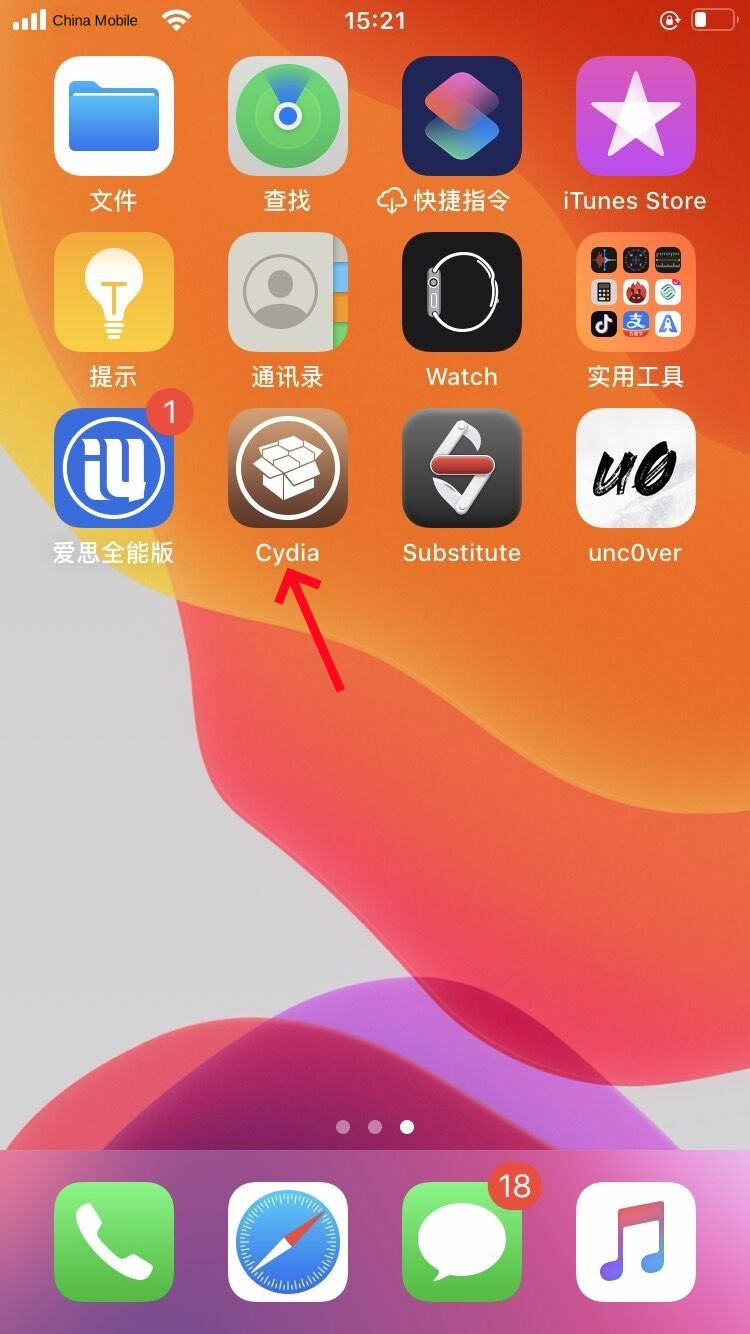
2. Tap Sources, then Edit, then Add.
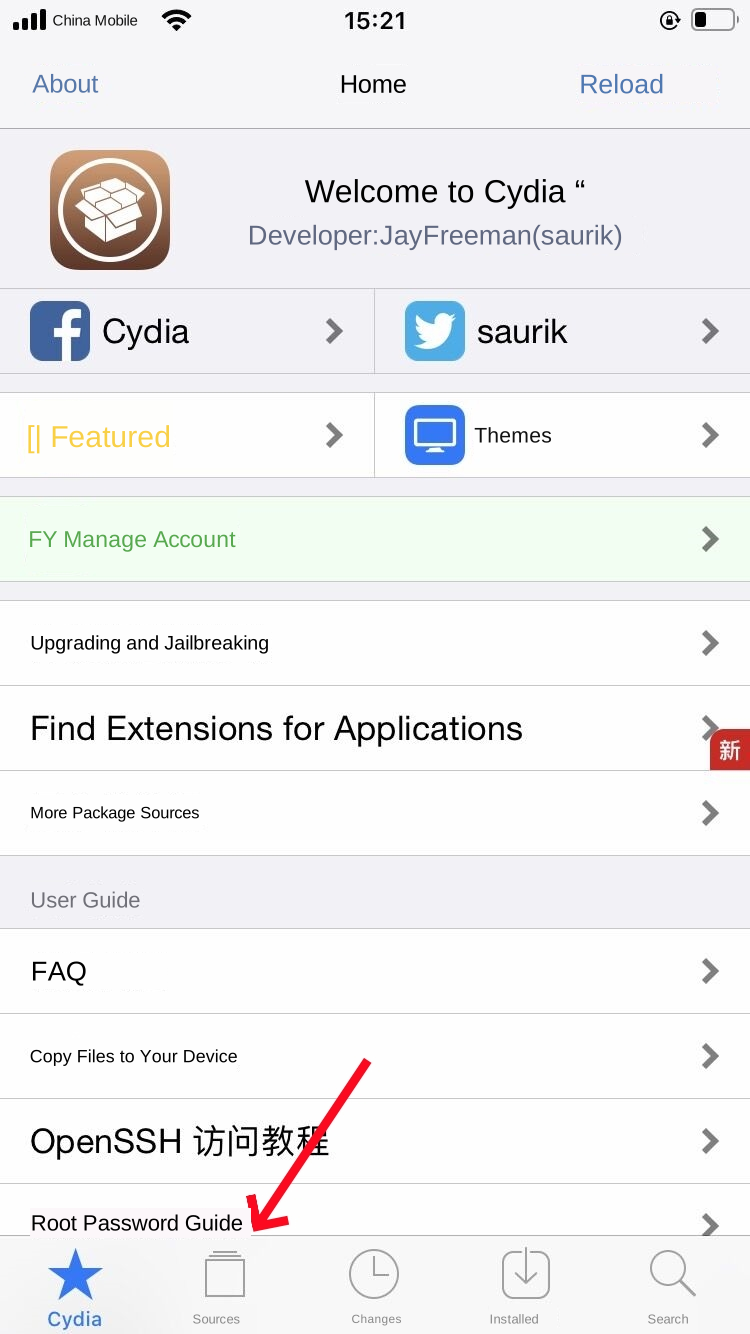
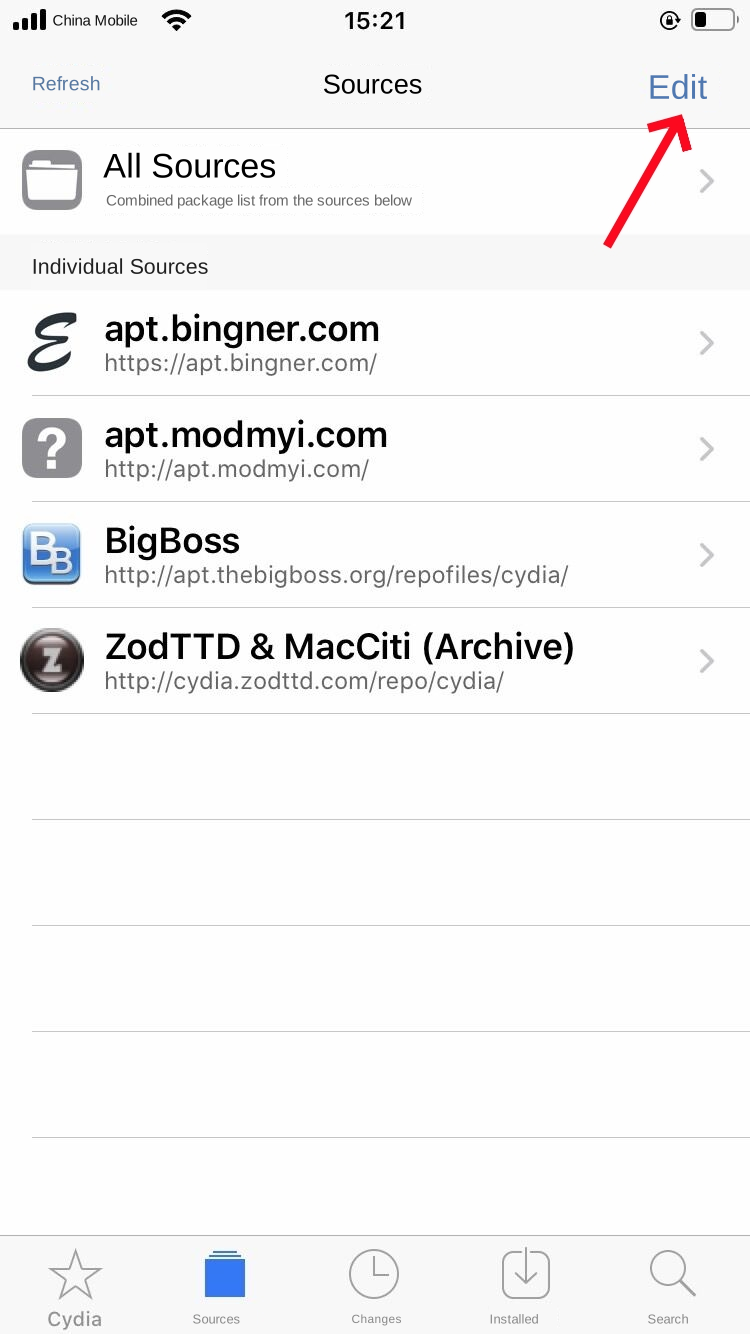
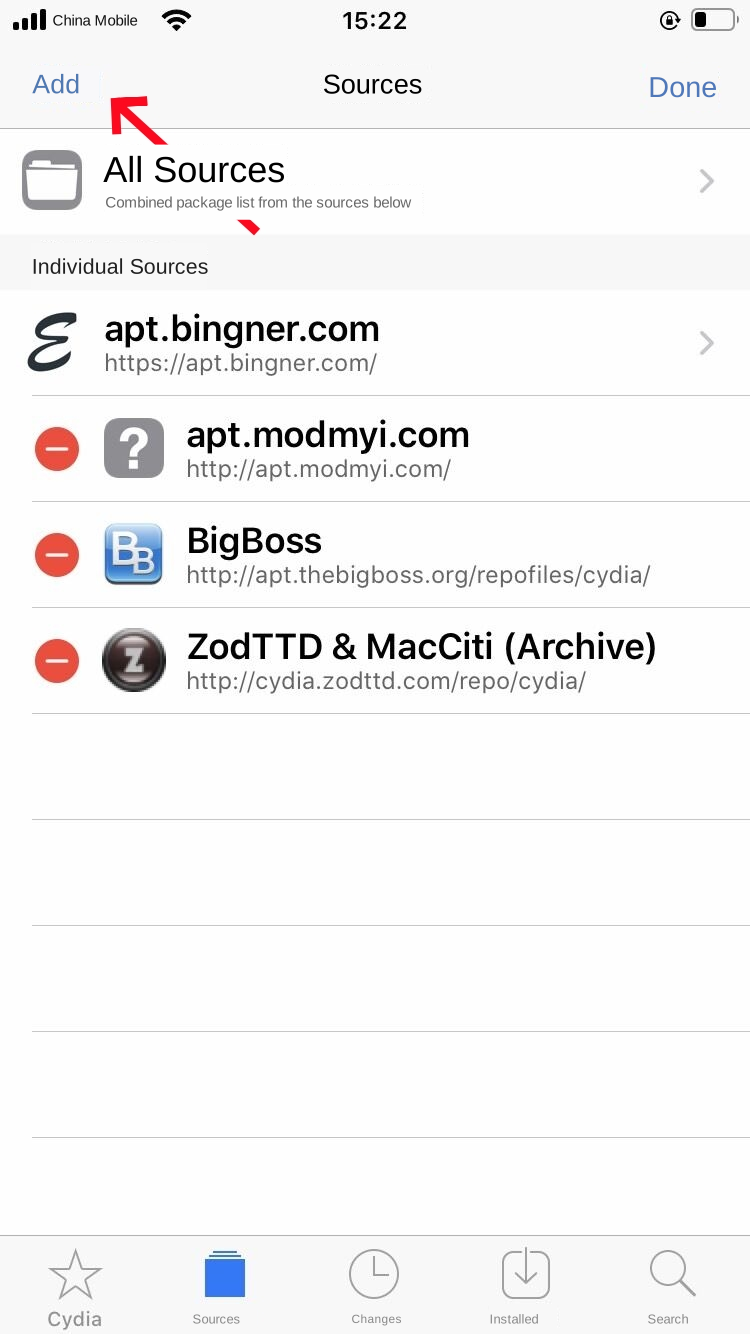
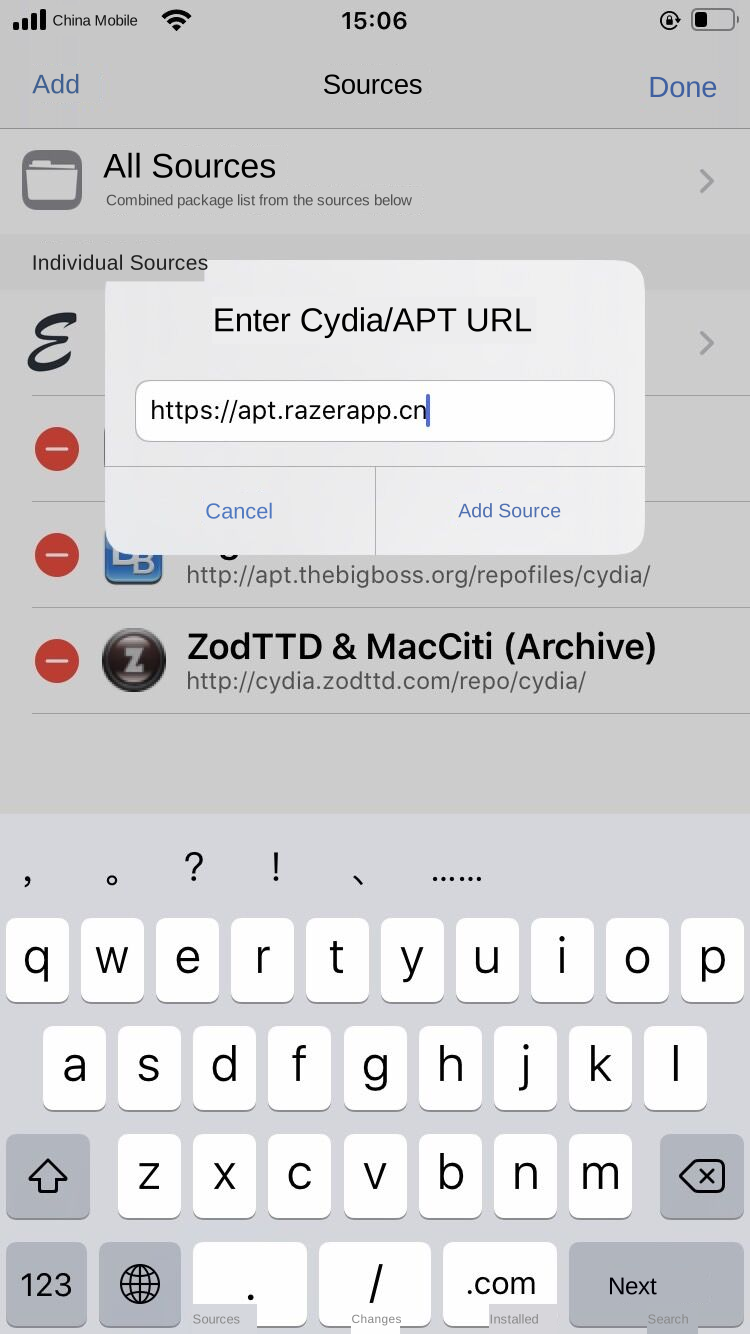
3. Enter http://apt.razerapp.cn/ and tap Add Source.
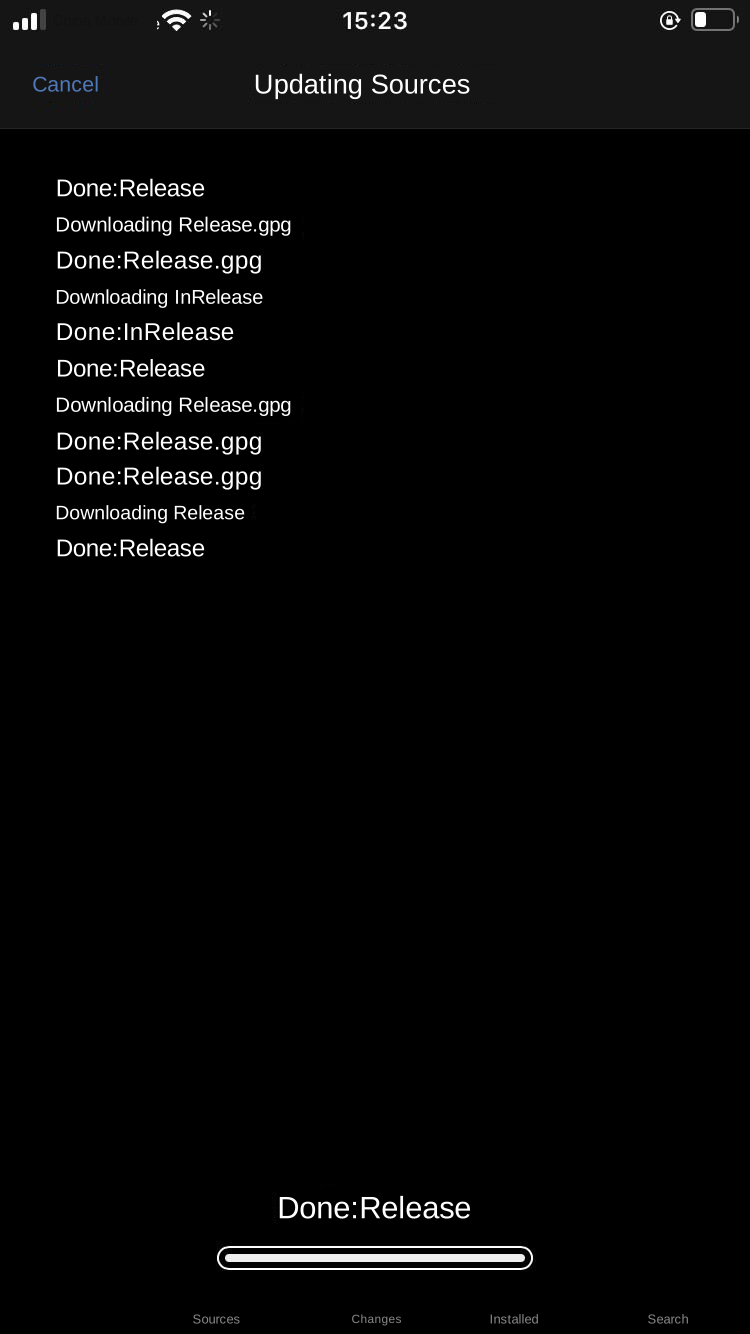
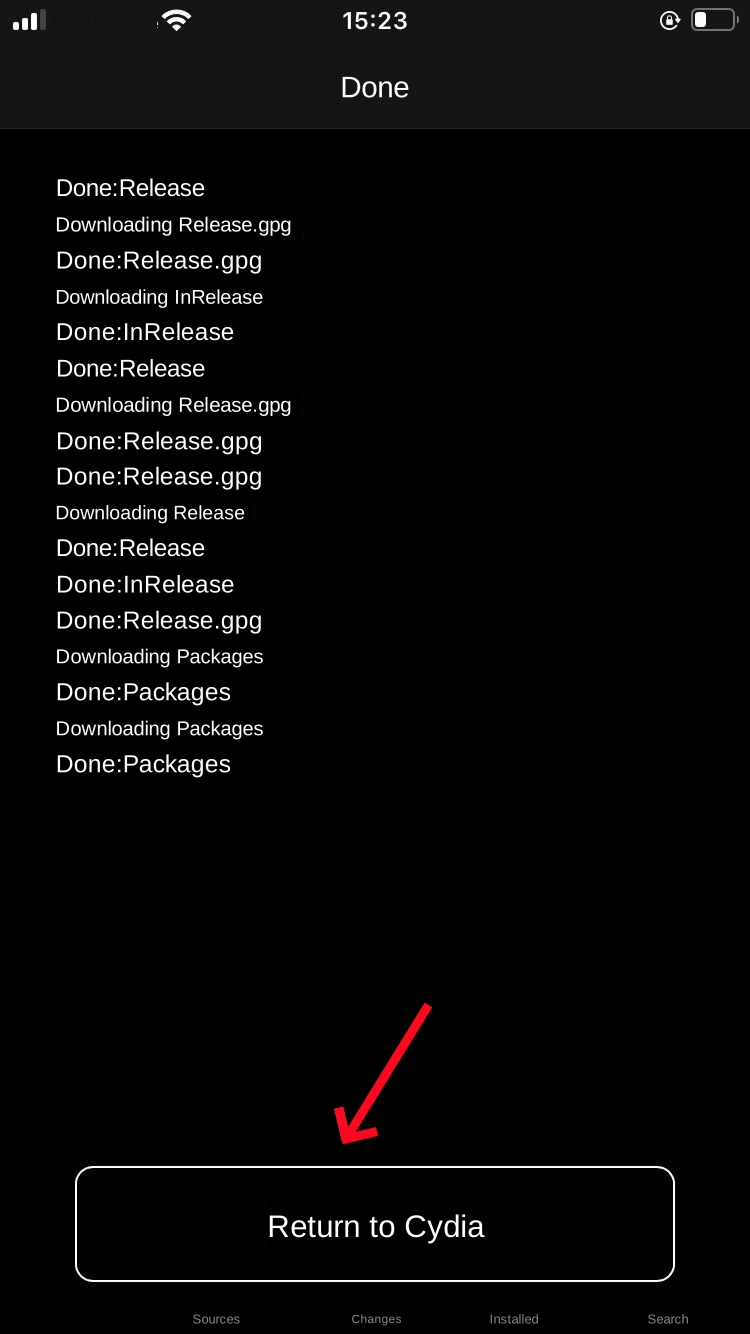
4. Wait for the sources to refresh, then tap Return to Cydia. If the refresh stalls, cancel and check the connection before trying again.
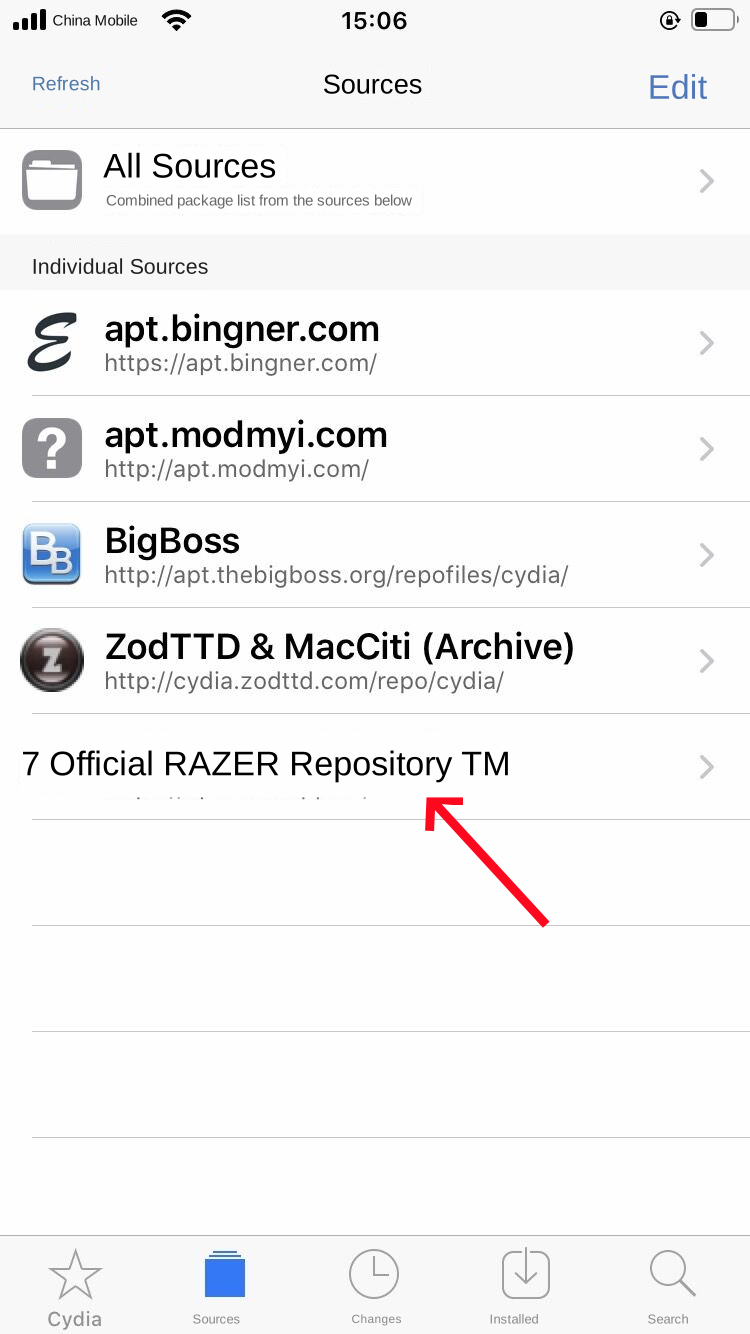
5. Open the official RAZER repository and its RAZER section, or All Packages.
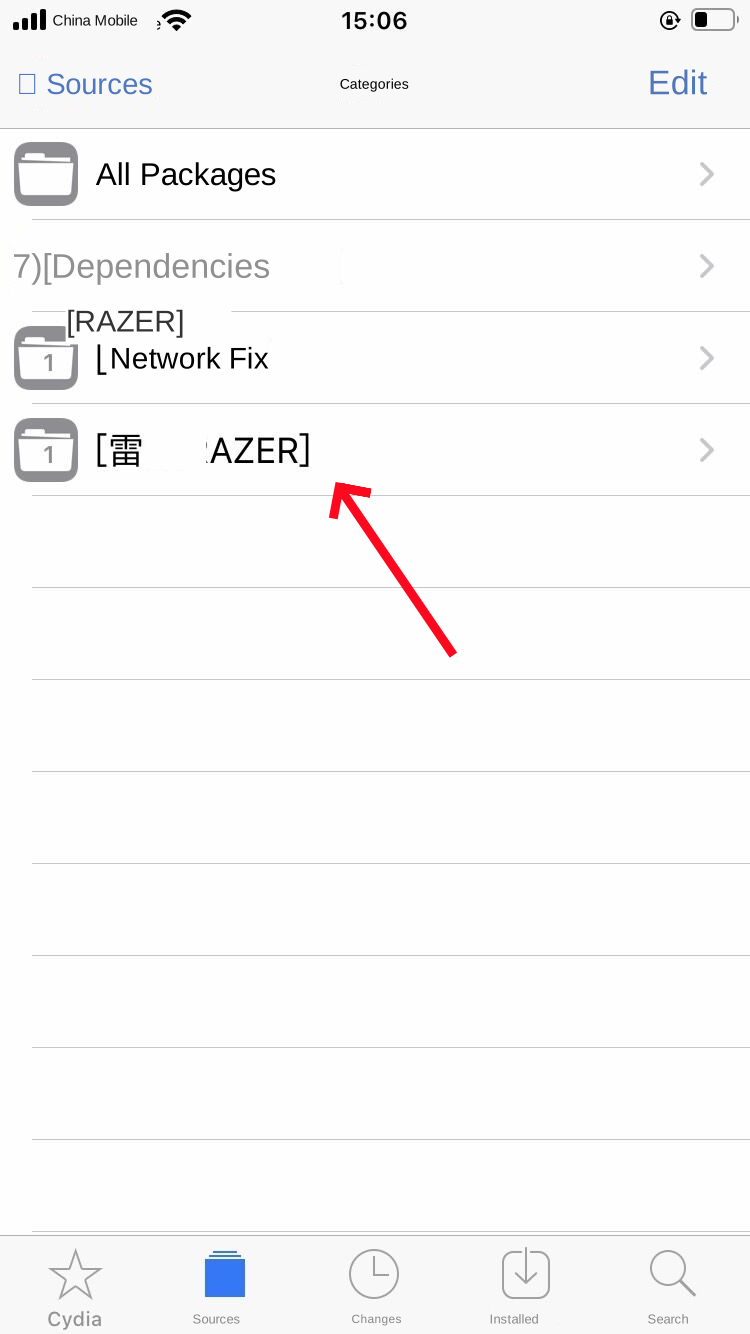
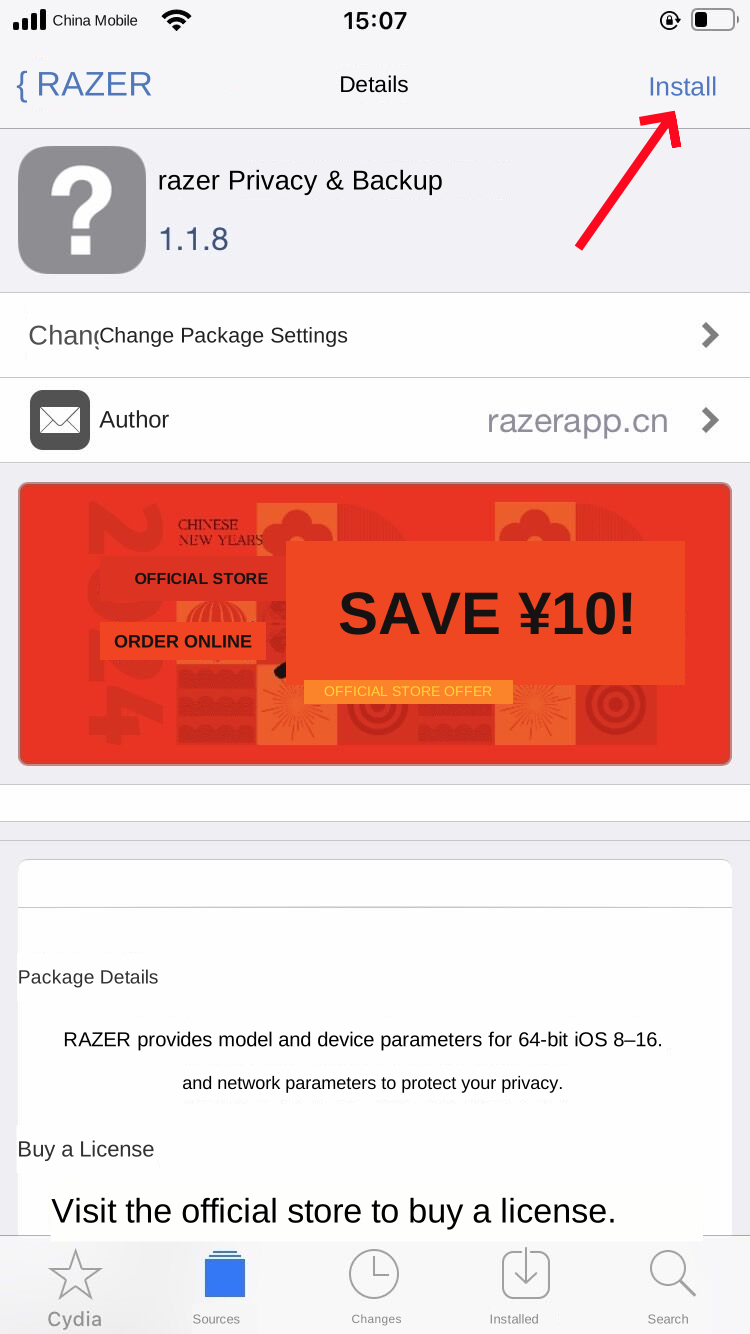
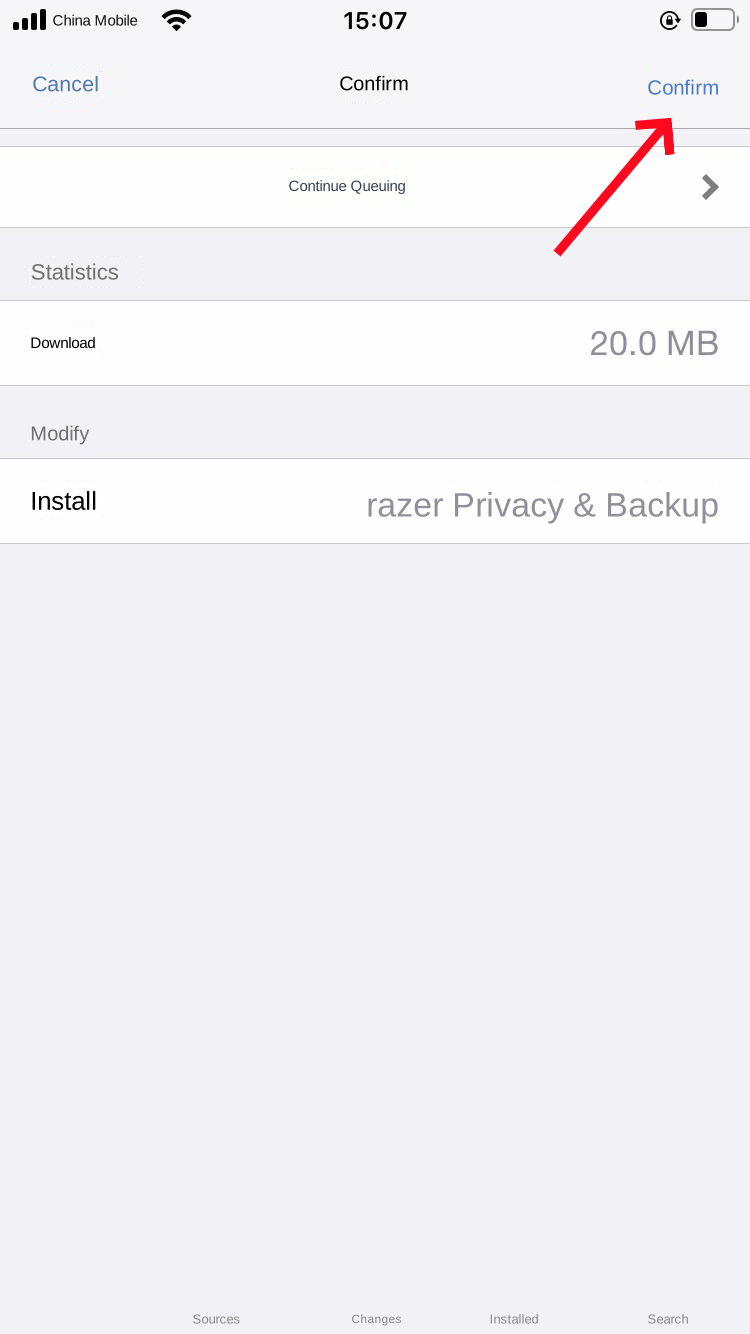
6. Select RAZER, tap Install (or Modify → Install), then Confirm.
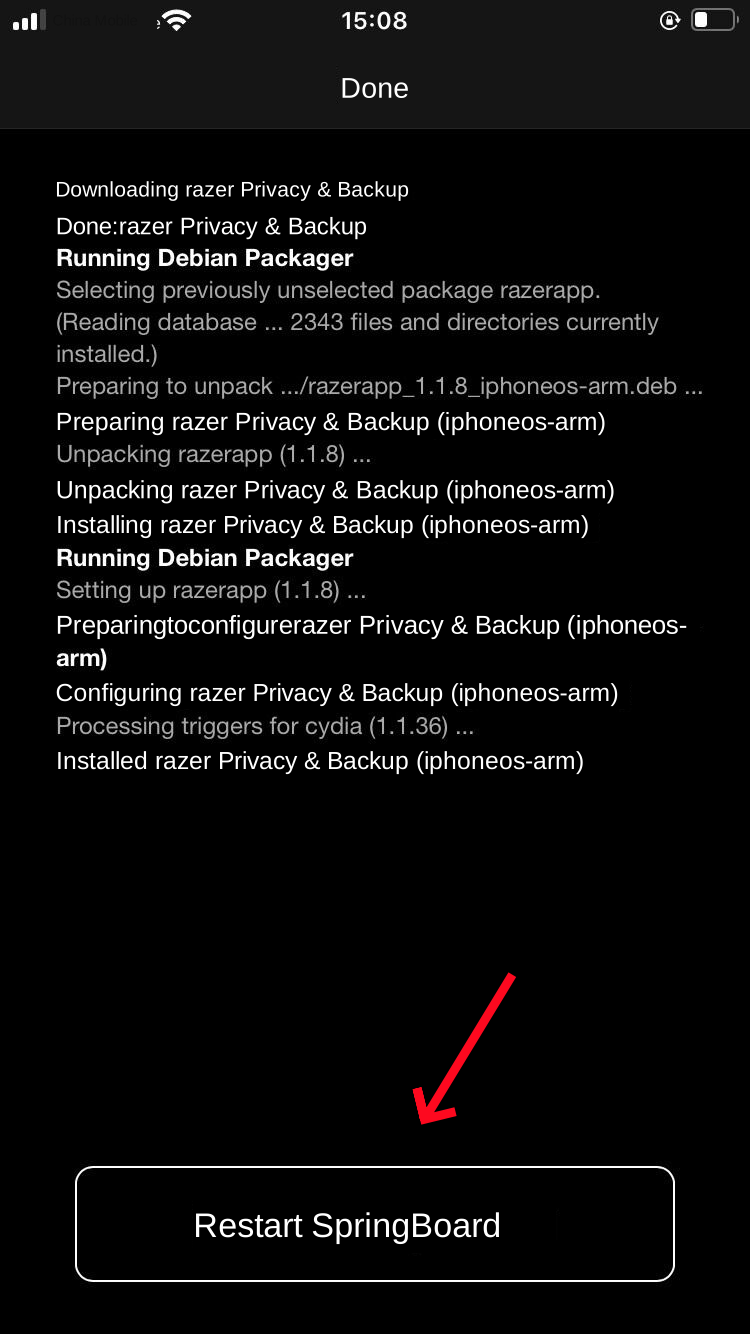
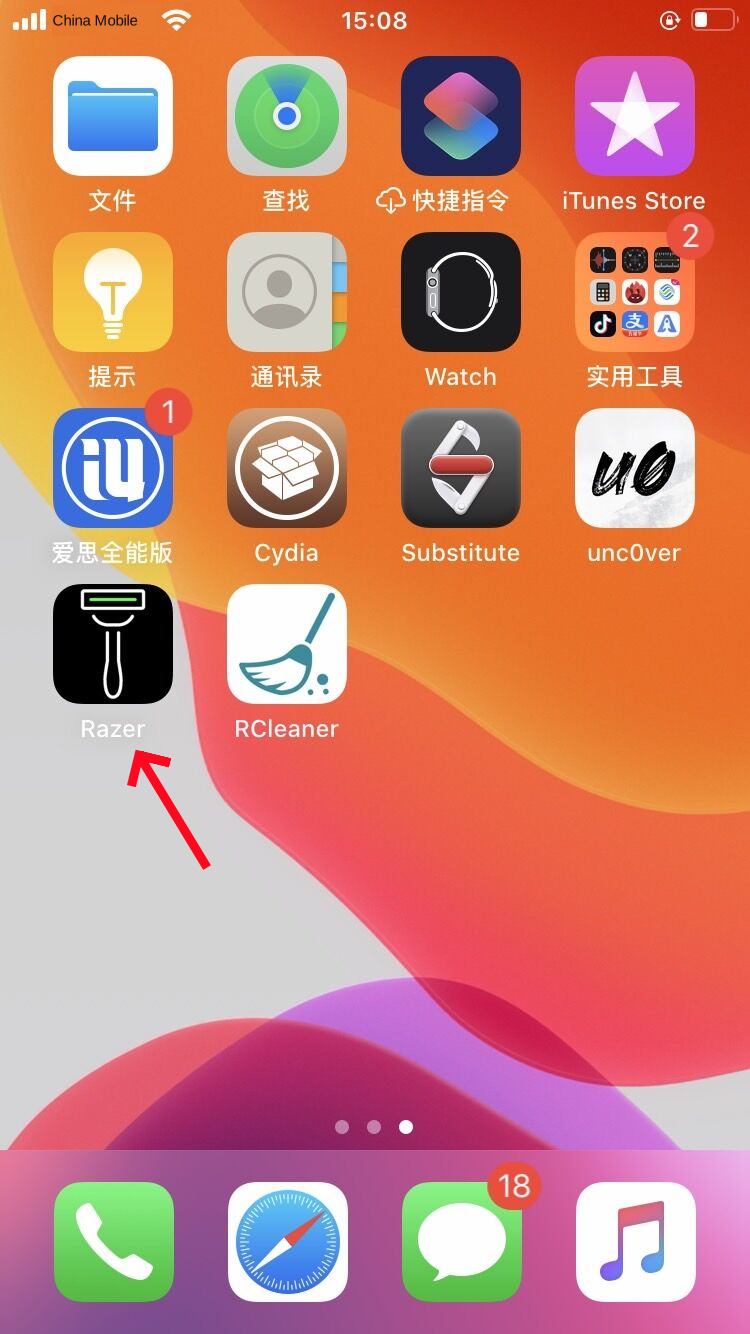
7. Wait for installation to finish and tap Restart SpringBoard when prompted. The screen briefly goes dark before the Home Screen returns. Open RAZER from its icon.